Wan 2.7 · Visual creation
1080p Full HD Video Output
Every video can be rendered up to 1920×1080 for social media, brand content, and presentations.
Demo footageWan 2.7
Reference footage, not a result generated in your account.
Explore a more flexible video workflow. Combine text, images, references, and editing controls, with optional tail frames and durations from 2 to 15 seconds.
Example footage, not an account-generated result. Settings do not change this demo. No uploads or credits used.
Every video can be rendered up to 1920×1080 for social media, brand content, and presentations.
Reference footage, not a result generated in your account.
Subjects and objects stay stable across frames with smoother, intentional motion.
“Two friends having coffee at an outdoor café, handheld camera, afternoon light. Keep the subjects consistent as the camera moves closer.”
Describe scenes in natural language and Wan 2.7 renders multi-element visuals in English or Chinese.
Upload still images and animate them into flowing clips while preserving source style.
Generate connected shots with consistent subject and visual continuity across clips.
Prepare prompts and settings now. Live generation and output retrieval will be enabled after the model service is connected.
If you want the broader workflow that maps directly to Wan 3.0, follow the step-by-step Wan 3.0 guide.
Step 1
Wan 2.7 supports two generation modes. Text-to-Video lets you describe scenes in natural language. Image-to-Video lets you upload a still image and animate it with natural motion and consistent style.
Step 2
For T2V, describe subject, setting, lighting, mood, and camera movement. For I2V, upload your image and optionally add a motion prompt. Wan 2.7 supports both English and Chinese prompts.
Step 3
Choose 720p for faster results or 1080p for full HD output. Select Cinematic, Realistic, Anime, or Abstract styles, then set duration and aspect ratio.
Step 4
Prepare your settings and explore the demo player. Live rendering and result downloads will become available after the model service is connected; this preview does not consume credits.
Explore example scenes and prompt ideas, from cinematic shots to product imagery and animation. These are reference examples, not videos generated in your account.
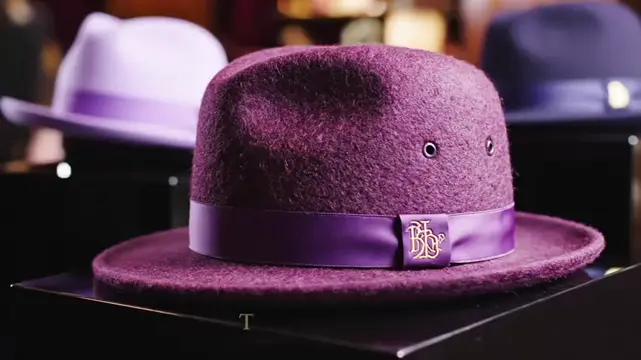
Text to Video · Cinematic
A man walking down a cobblestone street at dusk, slow tracking shot, warm street lights
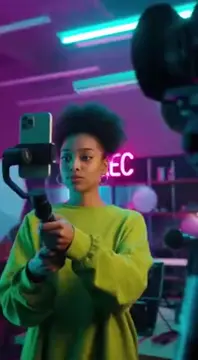
Multi-Subject · Realistic
Two friends having coffee at an outdoor café, handheld camera, afternoon light
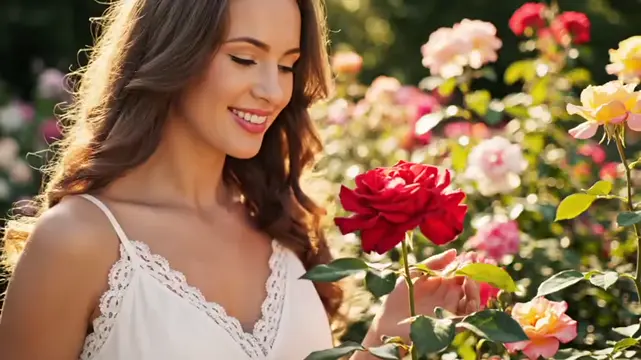
Product / Brand · Studio
Luxury watch rotating slowly on a black reflective surface, dramatic lighting
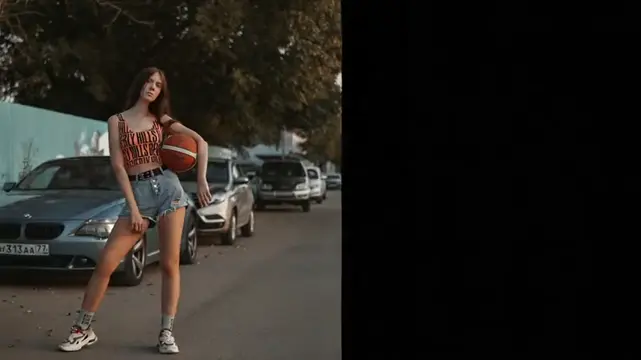
Anime Style
Anime character running through cherry blossom petals, side-scroll camera
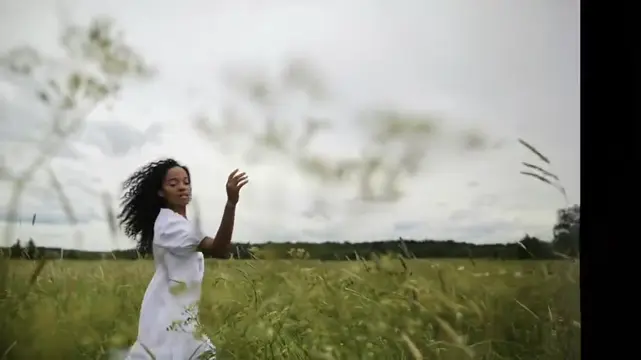
Image to Video · I2V
Portrait photo → animated with gentle head turn and wind in hair
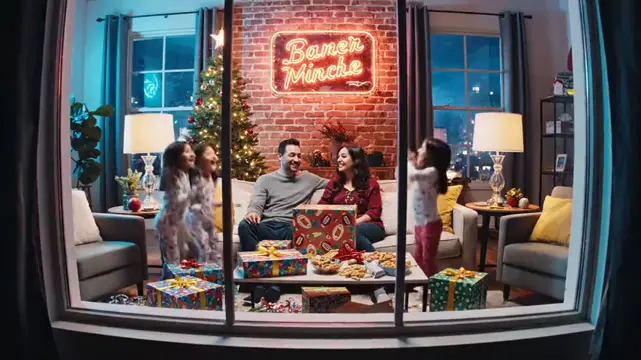
Landscape · Nature
Ocean waves at sunrise, slow tilt up from water to horizon, cinematic grade
Wan 2.7 is the current recommended version. Here's how it compares to previous versions — and what's coming in Wan 3.0. For live credit packs and model costs, check the pricing page.
| Feature / Spec | Wan 2.5 | Wan 2.6 | Wan 2.7 | Wan 3.0 |
|---|---|---|---|---|
| Max resolution | 1080p | 1080p | 1080p | 1080p |
| Text-to-Video | ✓ | ✓ | ✓ | ✓ Enhanced |
| Image-to-Video | ✓ | ✓ | ✓ | ✓ Enhanced |
| Motion consistency | Standard | Improved | Enhanced ✓ | Full upgrade |
| Multi-shot sequences | — | — | ✓ New | ✓ |
| Multi-subject consistency | — | — | Partial | ✓ Full |
| Real-time preview | — | — | — | ✓ New |
| Camera motion control | — | — | Partial | ✓ Full |
| Audio generation | ✓ | ✓ | ✓ | ✓ (Improved) |
| API access | — | — | Not connected | Not connected |
| Status | UI preview | UI preview | UI preview | UI preview |
How does Wan 2.7 compare to the other leading AI video generators? Here's an honest side-by-side.
| Feature | Wan 2.7 | Sora | Runway Gen-3 | Kling | Pika |
|---|---|---|---|---|---|
| Max resolution | 1080p | 1080p | 1080p | 1080p | 1080p |
| Free tier | Credit packs | No | Limited | ✓ Yes | ✓ Yes |
| Text-to-Video | ✓ | ✓ | ✓ | ✓ | ✓ |
| Image-to-Video | ✓ | Limited | ✓ | ✓ | ✓ |
| Chinese prompt support | ✓ Optimized | Limited | Limited | ✓ | Limited |
| Multi-shot sequences | ✓ | Limited | ✓ | Limited | — |
| Motion consistency | Enhanced | Strong | Strong | Strong | Moderate |
| API access | Not connected | Limited | ✓ | Limited | — |
| No watermark (free) | To be confirmed | N/A | Paid plan | Paid plan | Paid plan |
| Ease of use | Simple | Complex | Moderate | Simple | Simple |
Reference comparison adapted from the source layout, not a live capability check. Provider features may change. This site currently provides a workspace preview; model availability, output limits, and download options are subject to the connected service.
Wan 2.7 is the current recommended Wan model for live production use. It combines 1080p output, Wan 2.7 text to video, Wan 2.7 image to video, and stronger motion consistency in one workflow. For users searching wan 2.7 ai video generator, this page provides direct access to the live tool with no download and no complex setup.
Explore the Wan 2.7 workspace alongside Wan 2.5 and Wan 2.6 to compare text, image, reference, and editing workflows. The examples illustrate visual possibilities; final output and supported settings depend on the connected model service.
To get better results, build prompts in layers: subject, environment, camera behavior, and style. Example: describe who is in the frame, where the scene takes place, how the camera moves, and what visual treatment you want. This structure helps Wan 2.7 prompts produce more stable and controllable outputs.
WanAI offers one-time credit packs with no expiry. Review the current pricing before purchasing. Live video generation is not connected yet; preparing settings and watching these examples does not consume credits.
Wan 2.7 and Wan 3.0 are both available now. Wan 2.7 is a production-ready option for 1080p text-to-video and image-to-video, while Wan 3.0 adds 30-second generation and reference-to-video workflows.
Wan 2.7 is a live AI video generator that creates high-quality 1080p videos from text prompts or images. It's the current recommended version in the Wan series, featuring enhanced motion consistency, multi-shot sequence support, and both T2V and I2V modes.
WanAI uses one-time credit packs. Purchased credits do not expire. Visit Pricing to compare the current packs; generation costs will be shown before you submit a video task.
The player currently shows demo videos. Download and watermark options for your generated videos will be confirmed when the generation service is available.
Wan 2.7 outputs up to 1080p (1920×1080). Wan 3.0 also supports up to 1080p and adds generation up to 30 seconds.
Yes. Upload any still image and Wan 2.7 animates it into a flowing video with natural motion and consistent visual style.
Wan 2.7 supports 1080p text-to-video and image-to-video. Wan 3.0 is available now with generation up to 30 seconds, text-to-video, image-to-video, and reference-to-video workflows.
Yes. Wan 2.7 is optimized for both English and Chinese prompts. Chinese-language inputs perform particularly well for East Asian settings, characters, and cultural contexts.
A public developer API is not available on this site yet. Model generation is being connected; the current workspace lets you explore the settings and preview example videos.
Choose a workflow, prepare your prompt, and explore the example videos.
Back to the Video Workspace →Text and image workflows · Video examples · Flexible settings